
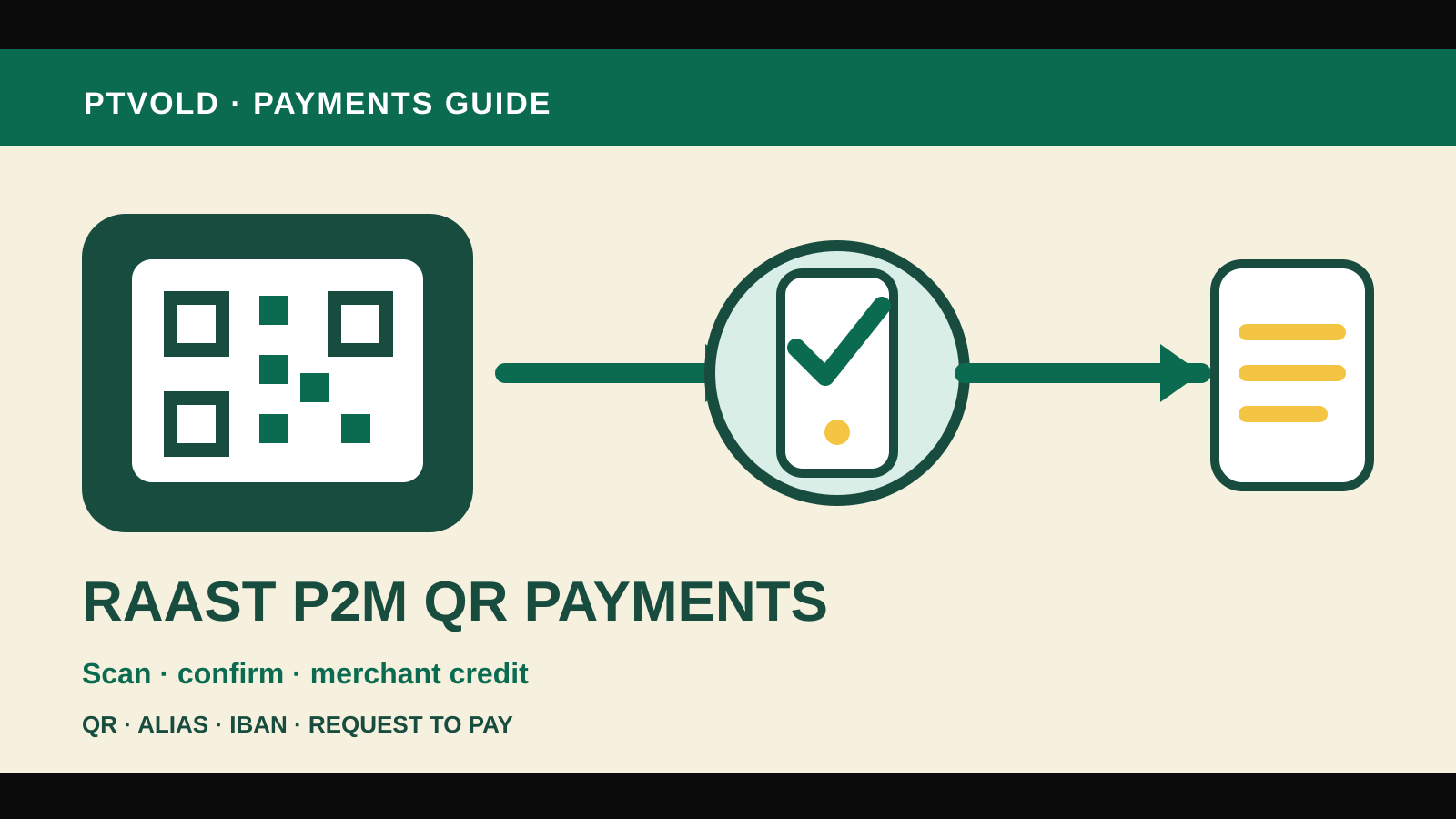
Raast P2M QR payments let a customer pay a merchant through Pakistan’s instant-payment system using a QR code or another supported identifier. “P2M” means person to merchant. The practical value is a direct digital payment with an immediate acceptance or rejection message, while the merchant receives funds in real time or within the timeline agreed with its provider.
Checked 1 November 2026. This guide follows the State Bank of Pakistan’s Raast Person-to-Merchant Service circular and operational requirements. Banks and payment providers decide which channels, merchant products and limits they offer, so confirm current terms with the provider you actually use.
What Raast P2M supports
The SBP framework sets out several payment modes:
| Mode | How it works |
|---|---|
| QR payment | The customer scans a static or dynamic merchant QR code |
| Alias payment | The customer selects or enters an approved merchant alias |
| IBAN payment | The customer pays the merchant’s account identifier |
| Request to Pay | The merchant sends a request for immediate or later payment |
A static QR code can remain at the counter and let the customer enter the amount. A dynamic QR code can carry transaction details generated for a particular purchase. The customer should always check the merchant name and amount displayed by the banking or wallet app before authorising the payment.
Raast is the payment rail. The customer’s bank, electronic-money institution or other connected provider supplies the app and authenticates the customer. The merchant’s provider onboards the business, issues or enables the acceptance method and handles the merchant relationship.
How a customer pays with a Raast P2M QR code
The exact screens differ by app, but the decision points should be familiar:
- Open the bank or wallet app from your own device.
- Choose the Raast, QR payment or merchant-payment option.
- Scan the merchant’s QR code.
- Confirm the merchant identity shown in the app.
- Enter or verify the amount.
- Review any reference or invoice information.
- Authorise with the app’s approved PIN, biometric or other security method.
- Wait for an explicit successful or rejected status.
The SBP requirements call for instant confirmation or rejection to the customer and a real-time account statement entry. Do not treat a spinning screen, screenshot or verbal assurance as proof. If the status is unclear, check the transaction history before paying again.
Customers should not be charged a fee for purchases made through Raast P2M under the SBP framework. This does not make the underlying goods or services free, and it does not remove other lawful charges attached to a separate banking product. If an app shows a purchase fee, pause and ask the provider to identify it before confirming.
How a merchant starts accepting Raast P2M
A merchant does not join the payment rail by printing an arbitrary QR image. Contact a bank, microfinance bank, electronic-money institution, payment-system operator or payment-service provider that offers merchant acquiring for Raast.
Expect the provider to:
- identify and verify the merchant;
- complete the required due diligence;
- connect an eligible settlement account or wallet;
- issue or register the merchant identifier;
- provide a static or dynamic QR solution or another supported mode;
- explain settlement timing, service fees and support;
- define refund and dispute procedures; and
- monitor transactions and security risks.
Prepare business and identity documents that match the provider’s onboarding requirements. A sole proprietor, shop, online seller and incorporated company may be asked for different evidence. Obtain the provider’s current list instead of sending sensitive documents in response to an unsolicited message.
The provider may charge the merchant a reasonable fee. Compare the full merchant agreement: setup or device cost, transaction pricing, settlement schedule, refund handling, dispute support, account statements and any limits. A customer’s zero-fee purchase rule does not mean merchant acceptance has no cost.
Settlement and reconciliation
The SBP rules require merchant funds to be credited in real time or within the settlement timeline agreed with the provider. “Instant payment” and “merchant access to cleared funds” should therefore be read alongside the contract.
A merchant should reconcile each sale against:
- the app or point-of-sale confirmation;
- the provider’s transaction ID;
- the order or invoice number;
- the gross sale amount;
- any merchant fee shown separately;
- the amount and time credited; and
- any later refund or reversal.
Give staff a written process for unclear status. The safest sequence is to check the merchant application or statement using the transaction reference. Do not ask the customer to pay again solely because a counter display did not update.
For a high-volume shop, export or integrate transaction records if the provider supports it. The accounting record should connect the Raast transaction to the sale, refund and settlement without relying on a screenshot from the customer’s phone.
Refunds and returns
Raast P2M supports a refund or return request flow. The customer initiates the request through the available channel and provides the relevant transaction information. The merchant or merchant provider then handles the request under the agreed process.
A refund is not the same as cancelling a payment before authorisation. Once a transaction is successful, follow the provider’s refund method. Record the original transaction ID, date, amount, reason and refund reference.
Merchants should publish a clear returns policy for the underlying purchase. The payment rail does not decide whether goods qualify for return; consumer law, the sales terms and the merchant’s policy still matter.
If the customer and merchant disagree about whether a payment succeeded, both sides should check their own provider records. The merchant provider is responsible for support on merchant-side acceptance and settlement issues, while the customer’s provider handles the payer’s app and account record.
Security checks for customers
Use the same caution you would apply to any banking transaction:
- scan a QR code only at the merchant’s counter or official checkout;
- verify the merchant name shown in the app;
- confirm the amount and currency before authorising;
- never share the banking PIN or one-time password with the merchant;
- avoid installing an app from a QR code or message;
- check the final status and transaction history;
- report an unfamiliar merchant or altered QR code promptly.
A sticker placed over a legitimate QR code can redirect a payment. Merchants should inspect displayed codes, secure them against replacement and remove outdated material.
Security and operations for merchants
Merchants should control who can issue, print or replace a QR code. Keep the provider’s merchant credentials separate from ordinary staff access, review settlement notifications and investigate changes to the displayed merchant name or settlement account.
Train counter staff to recognise a real provider confirmation. A customer’s screenshot can be edited, delayed or unrelated to the sale. The merchant’s own acceptance channel or statement is the authoritative record.
The SBP framework requires providers to address security, fraud, disputes and consumer protection. Ask the provider for the escalation route before going live, then keep the support details where staff can use them.
For a comparison with stored-value products, read the bank account and EMI wallet guide. For an example of a provider expanding Raast merchant acceptance, see the Mashreq Pakistan P2M QR report.
If a payment goes wrong
Start with the transaction record rather than a second payment. Save the reference number, merchant name, amount, date, time and status shown by your provider. Contact the correct side:
- the customer’s provider for a debit, failed status or payer-app issue;
- the merchant’s provider for acceptance, settlement or merchant-account issues; and
- the merchant for the underlying sale, delivery or return.
If a regulated financial institution does not resolve a formal complaint, the Sunwai complaint guide explains the complaint and escalation route.